How Do You Store Travel Documents Digitally for a Family Vacation?
Table of Contents
To store travel documents digitally for a family vacation, use a combination of secure cloud storage (like Google Drive) for accessibility and an offline encrypted app (like 1Password) or a dedicated travel organizer app (like TripIt) for redundancy. You must scan high-quality PDFs of all passports, visas, birth certificates, and insurance policies to ensure you can prove identity and manage emergencies if physical documents are lost.
While this guide dives into digital storage solutions, for a complete understanding of all necessary paperwork you need to gather first, you’ll also want to explore How to Plan the Travel Documents for a Family Vacation.
2. Why Should Families Digitize Travel Documents for a Vacation?
Families should digitize travel documents for a vacation because this process creates an essential layer of security and immediate accessibility that physical documents alone cannot guarantee.
Digitizing family travel documents provides a crucial safety net against loss, theft, or damage of original papers, ensuring you can prove identities and access critical information during an emergency abroad. This simple preparation step transforms a potential trip-ending crisis into a manageable inconvenience.
Frame digitization not as a mere convenience, but as a core component of a modern family’s travel risk mitigation strategy, akin to purchasing travel insurance. It’s about creating data redundancy to protect the family’s ability to travel smoothly and prove identity at a moment’s notice.

Understanding the role of digital documents in risk mitigation often leads to exploring comprehensive planning, such as how to plan travel insurance for a family vacation.
Redundancy: In data management, this is the practice of storing the same critical information in multiple, independent locations (e.g., on your phone, in the cloud, and on a separate drive) to ensure data is not lost if one location fails.
Choose to prioritize digitizing documents if your family vacation involves crossing international borders, relies on time-sensitive connections, or if losing original documents for multiple family members would cause significant financial or logistical disruption.
What Benefits Do Digital Travel Documents Offer for Family Safety and Convenience?
For storing travel documents digitally for a family vacation, the primary benefits for family safety and convenience include immediate access during emergencies, protection against document loss, and streamlined management of multiple individuals’ paperwork.
The key safety benefit is having a verifiable backup if passports are stolen, enabling easier contact with an embassy. The main convenience benefit is the ability to quickly access any family member’s document from a single device without carrying a bulky, vulnerable folder.
Go beyond generic benefits. Mention specific use cases like “instantly providing a child’s birth certificate copy to an airline to prove lap-infant age” or “sharing a digital hotel confirmation with a taxi driver without fumbling for papers.”
When considering specific identification for young travelers, you might also be wondering Do Children Need Passports for a Family Vacation?
According to the TSA, 99 percent of TSA PreCheck passengers, a program facilitated by digital documentation, wait less than ten minutes in security lines.

Author’s Experience
“As a frequent traveler with my own family, I’ve personally experienced the relief of having digital copies of passports when an airline clerk questioned a child’s age. It saved us a lot of stress and proved invaluable, confirming why I advocate for every family to digitize their documents.”
What Are the Risks of Not Digitizing Family Travel Documents for a Trip?
The risks of not digitizing family travel documents for a trip include the high probability of significant travel disruptions, financial loss, and the inability to prove identity in an emergency if physical documents are lost or stolen.
The greatest risk is the complete inability to proceed with your travel plans, such as being denied boarding or entry into a country, if original documents are lost with no backup. You also face a complicated and slow process at a local embassy to obtain emergency travel documents.
Detail the cascading effect of a single lost passport for a family: a missed flight leads to non-refundable hotel night losses, rebooking fees, and the logistical nightmare of keeping the rest of the family housed and fed while one person deals with bureaucracy.
Many countries require that a traveler’s passport is valid for at least six months beyond their intended return date, a detail that is easily overlooked and can result in being denied entry if you don’t have quick access to double-check those dates.
To avoid entry issues, it’s crucial to understand the specific passport validity rules for family travel before your trip.
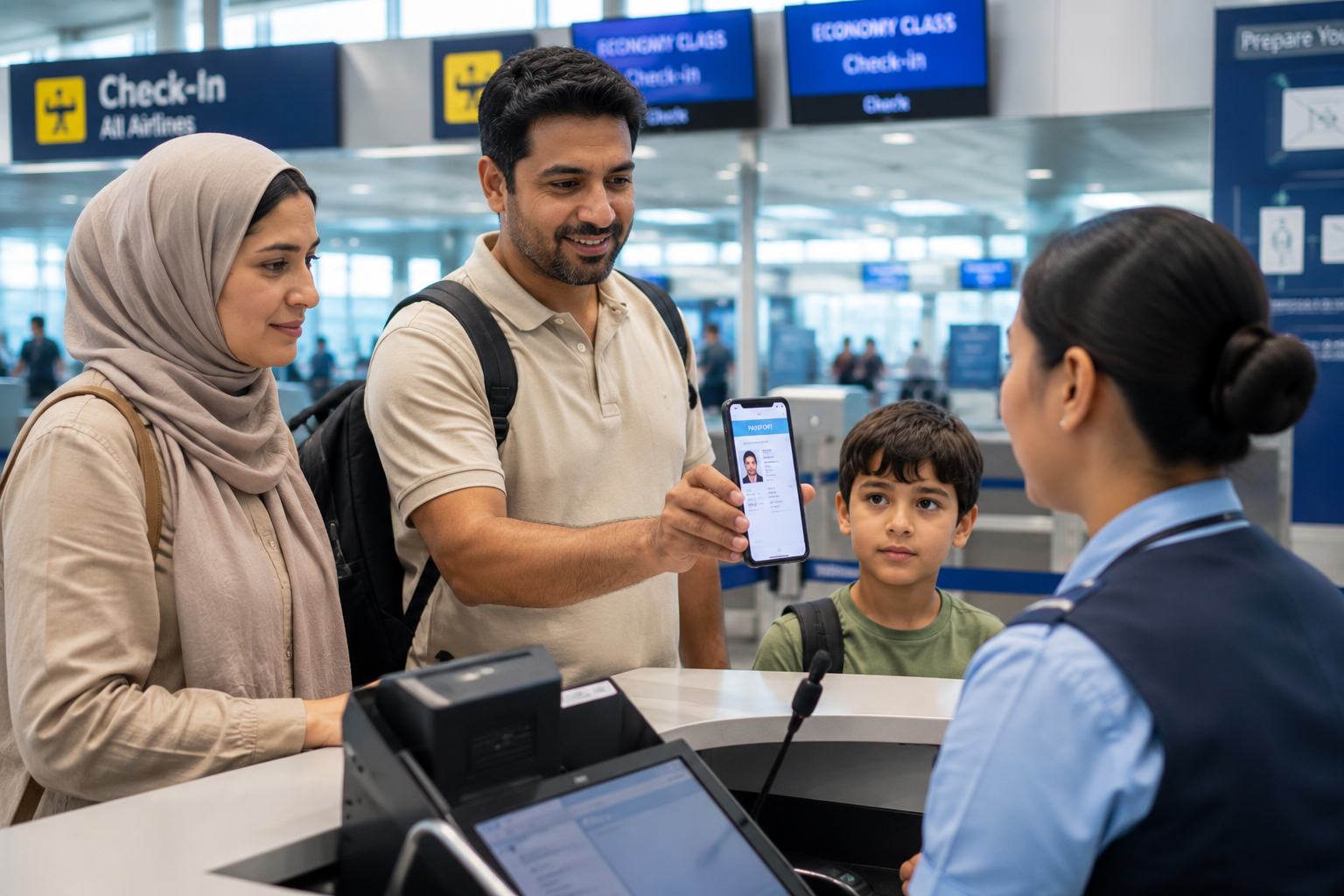
3. What Essential Travel Documents Should Families Digitize for a Vacation?
Families preparing for a vacation should digitize a comprehensive set of essential travel documents, categorized into identification, health, and logistical paperwork, to ensure all critical information is backed up.
You must digitize primary identification like passports and visas for every family member, followed by health-related documents such as insurance cards and vaccination records. Finally, include all logistical documents like flight confirmations, hotel bookings, and rental car agreements.
Beyond the obvious, emphasize digitizing documents that are unique to family travel: notarized parental consent letters for a child traveling with one parent, adoption papers, or custody agreements. This demonstrates deep expertise in the family travel niche.

Beyond general health cards, families often ask which medical paperwork is needed for a family vacation to ensure preparedness.
Notarized Consent Letter (e.g., DS-3053): A sworn legal document, signed by a non-accompanying parent and certified by a notary public, granting permission for a minor to travel internationally with the other parent or a guardian. Many countries require this to prevent international parental child abduction.
Choose to create a master checklist before you begin scanning. Categorize documents for each family member (Dad’s Passport, Mom’s Visa, Child’s Birth Certificate) to ensure no single critical item is missed during the digitization process.
Which Identification and Entry Documents Need Digital Copies for Family Travel?
For storing travel documents digitally for a family vacation, the most critical identification and entry documents that need digital copies include passports, visas, birth certificates, and any government-issued photo IDs for every member of the family.
Prioritize scanning the passport photo page for every family member, as this is the single most important document. Also scan any required visas for your destination, birth certificates for minors, and driver’s licenses or state IDs for adults.
Explain the importance of capturing all pages of a visa, not just the main stamp, as some contain entry/exit conditions. Also, advise digitizing Global Entry or TSA PreCheck cards as proof of trusted traveler status if issues arise with an airline’s system.
As of May 7, 2025, U.S. travelers will need a Real ID-compliant identification card for domestic flights, making it another essential document to have a digital copy of.
What Health, Insurance, and Financial Documents Should Families Digitize?
Families should digitize specific health, insurance, and financial documents, including travel medical insurance policies, vaccination records, and copies of credit cards, to manage emergencies effectively while on vacation.
Digitize your family’s travel insurance policy, ensuring the policy number and emergency contact phone number are clearly visible. Also, scan health insurance cards, any required vaccination certificates (like Yellow Fever), and the front and back of all credit cards you are carrying.
Advise users to also save a digital copy of prescriptions for any medication family members are taking. This helps with pharmacy refills or explaining medications to a foreign doctor, and can be crucial for passing through customs with controlled substances.
For backup storage of digital documents, Google Drive offers plans that include 100GB of cloud storage for approximately $2 per month.
How Do Families Handle Digital Copies of Minors’ Travel Permissions and IDs?
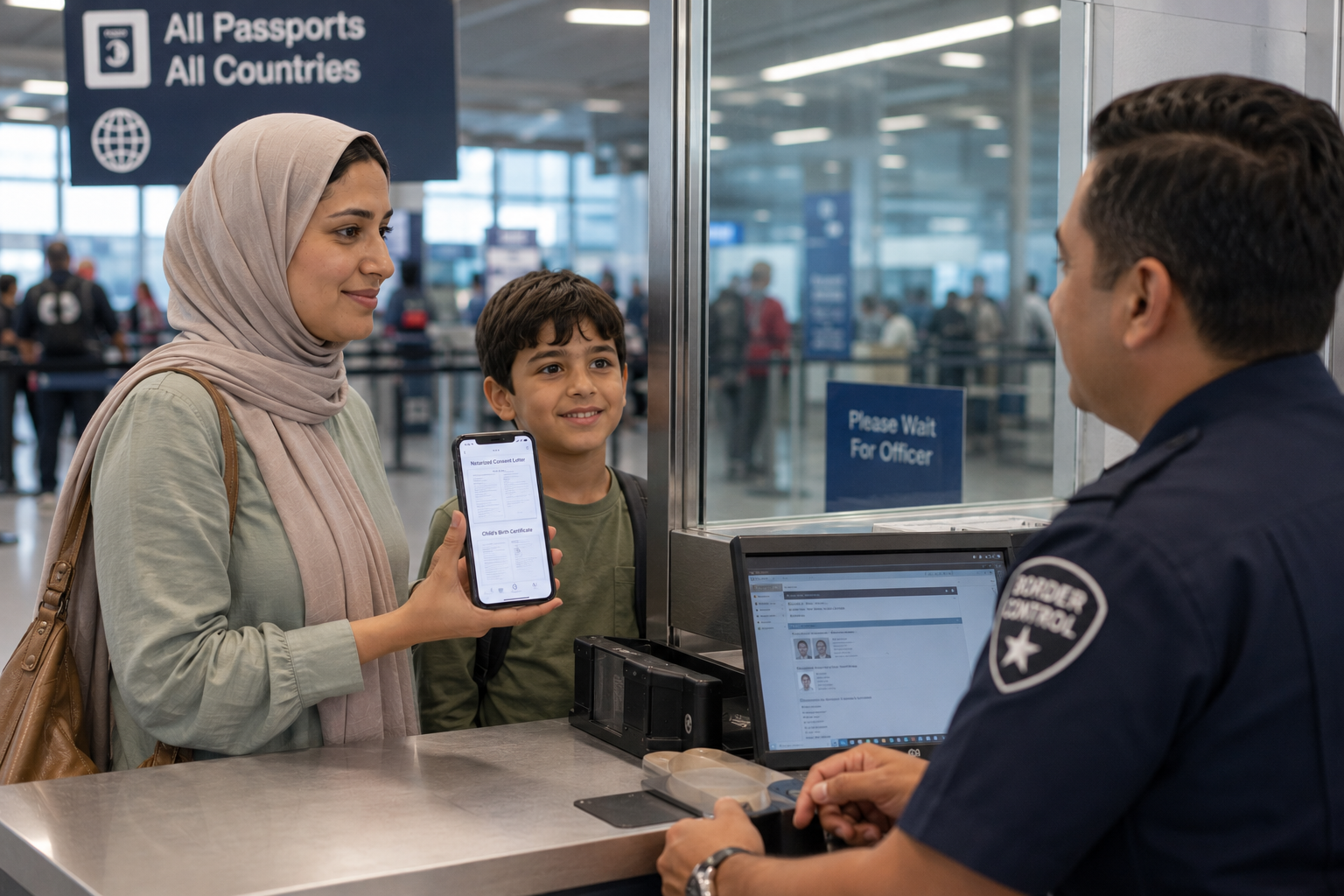
When storing travel documents digitally for a family vacation, families handle digital copies of minors’ travel permissions and IDs by scanning and securely storing notarized consent letters, birth certificates, and any relevant court orders alongside the child’s passport.
You must have a clear, legible digital copy of the notarized consent form (like the DS-3053 in the U.S.) signed by the non-traveling parent. This digital copy serves as a backup to the mandatory physical original and should be stored with a digital copy of the child’s birth certificate to prove parentage.
Advise parents to create a single, encrypted PDF file for each child that bundles their passport copy, birth certificate, and the consent letter. This “digital travel file” can be easily accessed and presented as a complete package if questioned by officials.
A common question arises: Do you need a permission letter for a family vacation, especially when only one parent is traveling or for other specific circumstances?
Passports issued to children under the age of 16 are valid for only five years, unlike the 10-year validity for adult passports, making it critical to track their expiration dates when saving copies.
4. Which Digital Storage Solutions Are Best for Family Travel Documents?
The best digital storage solutions for family travel documents are those that balance high security, ease of access, and offline capabilities, typically involving a combination of mainstream cloud services, dedicated travel apps, and encrypted physical drives.
For most families, the best solution is a primary-secondary approach: use a secure cloud service like Google Drive or Dropbox for primary storage, and supplement it with an offline copy on an encrypted USB drive or a dedicated travel app like TripIt. This strategy ensures both accessibility and redundancy.
Go beyond a simple list by introducing the “3-2-1 Backup Rule” as adapted for travel: 3 copies of your documents, on 2 different types of media (e.g., cloud, physical drive), with 1 copy stored off-site (i.e., accessible from anywhere via the cloud).
Zero-Knowledge Encryption: A security model used by some cloud services where the provider has zero access to your data because the encryption key is created and held only by you. Not even the company can decrypt your files.
Choose a mainstream cloud service (Google Drive, Dropbox) if ease of use and integration with other apps is your priority. Choose a dedicated travel app if you value automated organization and itinerary management. Choose an encrypted drive if you are traveling to a location with poor internet and need guaranteed offline access.
How Do Cloud Storage Services Compare for Securing Family Travel Documents?
When storing travel documents digitally for a family vacation, cloud storage services like Google Drive, Dropbox, and iCloud compare primarily on their security features, family sharing options, and offline access capabilities.
Google Drive offers excellent integration with other Google services and a generous free storage tier, while Dropbox is known for its simple file-sharing links. For users in the Apple ecosystem, iCloud provides seamless, automatic syncing across devices, but all require enabling two-factor authentication for adequate security.
Differentiate the services on a key security feature: while all offer 2FA, some services also offer a “Vault” feature (e.g., OneDrive Personal Vault) which requires a second step of identity verification to access a specific folder, adding an extra layer of security for sensitive documents like passports.
For encryption, iCloud Photos and Google Photos use the AES-128 standard, while more specialized secure apps use the stronger AES-256 standard.
What Are the Advantages of Using Dedicated Travel Document Apps for Families?
The primary advantages of using dedicated travel document apps like TripIt for storing family travel documents are automated itinerary parsing, centralized organization of all trip components, and real-time flight alerts.
Dedicated apps automatically create a master itinerary by parsing confirmation emails for flights, hotels, and car rentals, organizing everything chronologically for the whole family. They also store document copies alongside the relevant booking, making information easy to find in context.
A key advantage for families is the “sharing” feature in these apps. The primary planner can organize everything, then share the complete itinerary with their spouse and older children, so everyone has access to the same, up-to-date information on their own phones.
The TripIt app allows users to forward confirmation emails to an email address, and the service automatically creates a master travel itinerary from the information.
When Should Families Consider Encrypted Physical Storage for Digital Documents?
Families should consider encrypted physical storage, such as an AES-256 encrypted USB drive, for their digital documents when traveling to destinations with unreliable internet access or when a non-networked, “air-gapped” backup is desired for maximum security.
Use an encrypted USB drive as your secondary backup if your family vacation destination is remote, rural, or in a country with known internet censorship or connectivity issues. It is also the preferred method for individuals who do not trust cloud storage providers with their sensitive data.
Frame the encrypted USB drive as the family’s “digital go-bag.” It’s a self-contained, offline, and secure package of all critical information that can be grabbed in an emergency or used when no Wi-Fi or cellular data is available.
Dedicated encrypted apps that use on-device AES-256 encryption offer maximum security because the passport data is never transmitted or stored on a remote server, eliminating the risk from a remote data breach.
5. What Tools and Apps Help Families Manage Digital Travel Documents?
The best tools and apps that help families manage digital travel documents fall into three main categories: mobile scanning apps, password managers, and secure note-taking applications.
To manage your digital documents, you need a high-quality mobile scanning app like Adobe Scan to create clear PDFs, a password manager like 1Password to securely store both the documents and their access credentials, and a secure cloud service to store the final files.
The “power-user” setup combines these tools: use a scanner app to create an encrypted PDF, upload that PDF into a secure note within a password manager, and then also back up the original PDF to a cloud service. This creates multiple layers of security and access.
Optical Character Recognition (OCR): A technology used by advanced scanning apps that converts images of typed or handwritten text into machine-readable text data, making your scanned documents searchable by keyword.
Choose a dedicated scanner app for its image optimization features over your phone’s basic camera. Choose a password manager if you want the highest level of security and organization for your sensitive files and the passwords that protect them.
Which Scanning Apps Are Most Effective for Digitizing Family Travel Documents?
For storing travel documents digitally for a family vacation, the most effective scanning apps are those that offer high-resolution PDF creation, automatic edge detection, and features to optimize document clarity, such as Adobe Scan or Microsoft Office Lens.
Apps like Adobe Scan and Microsoft Office Lens are highly effective because they are free, produce clean, multi-page PDFs, and automatically correct for perspective and lighting. Their “scan-to-PDF” function is superior to simply taking a photo.
The key differentiator for a top-tier scanning app is its ability to perform OCR (Optical Character Recognition). This means that after you scan your passport, you can later search your phone for your passport number and the file will appear, which is a significant advantage for quick retrieval.
The Evernote product ‘Scannable’ is an iOS-only app that transforms an iPhone or iPad into a scanner, capable of converting physical documents into high-quality PDFs.
How Do Password Managers Support Secure Access to Family’s Digital Travel Records?
Password managers support secure access to a family’s digital travel records by providing an encrypted vault to store not only the passwords for travel-related accounts but also the digital document files themselves.
Modern password managers like 1Password or Bitwarden allow you to attach files (like a passport PDF) to a secure item, meaning the document is protected by the same master password and encryption as your logins. They also facilitate secure sharing of specific documents or passwords with a spouse or trusted contact.
The most powerful feature for family travel is the “shared vault.” A family can create a specific “Europe Trip 2024” vault containing all relevant passwords (airline, hotel) and documents (passport copies, itinerary), and share access with select family members.
For added security beyond standard cloud storage, travelers can use an encrypted app like 1Password or the Personal Vault feature within Microsoft OneDrive to store sensitive documents.
6. Digital Travel Document Digitization Checklist
| Checklist Item / Tactic | Status |
|---|---|
| TIER 1: Scan Key Identification (Passports, Visas, Birth Certificates for all family members) | ⬜ |
| TIER 2: Secure Health & Financial Records (Travel insurance, health cards, vaccination records, credit cards) | ⬜ |
| TIER 3: Organize Minors’ Permissions (Notarized consent letters, custody agreements alongside child IDs) | ⬜ |
| TIER 4: Choose Secure Storage Solutions (Cloud services, dedicated travel apps, encrypted physical drives for redundancy) | ⬜ |
| TIER 5: Implement Access Controls (Password managers, two-factor authentication for all digital storage) | ⬜ |
Sources
- https://usarivercruises.com/blog/travel-documents-apps-for-your-trip/
- https://traveldocumentvault.com/blog/safest-way-to-store-passport-digitally/
- https://alittleadrift.com/travel-journal-apps/
- https://thesnowchasers.com/blog/free-travel-apps-guaranteed-to-make-your-life-easier/
- https://www.tripit.com/web
Resolution
Digitizing family travel documents is not just a convenience; it’s a strategic necessity that mitigates significant risks and streamlines the complexities of family travel. By implementing a robust digital storage system—combining secure cloud services, dedicated apps, and physical backups—families can ensure immediate access to critical information, protect against unforeseen emergencies like lost passports, and ultimately travel with greater peace of mind. This preparation ensures that any potential travel disruption remains a minor inconvenience rather than a trip-ending crisis, allowing you to focus on creating cherished family memories.